
Create a tournament
Put your club's tournament in front of bowlers all over Aotearoa. It takes about five minutes, it's free, and there's no commission.
Before you start
Worth having these to hand so you're not hunting halfway through:
- Your dates - the day it starts and the day it finishes.
- The entry fee, and the prize pool if you're offering one.
- Who's fielding enquiries - a name, email, and phone number.
- A photo of your green, and your flyer if you've made one. Both optional.
You'll need to have registered your club already. If you haven't, do that first - it takes a minute.
- 1
Sign in and click your name
Once you're signed in, your first name appears at the top right of every page. Click it to open your account.

- 2
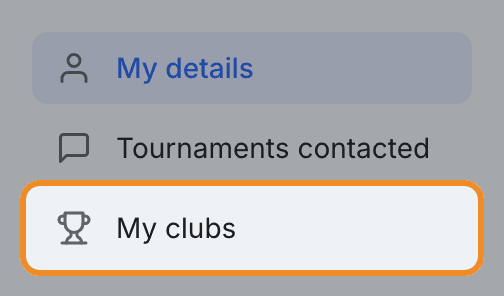
Go to My clubs
Down the left-hand side you'll see your account sections. Click My clubs.
- 3
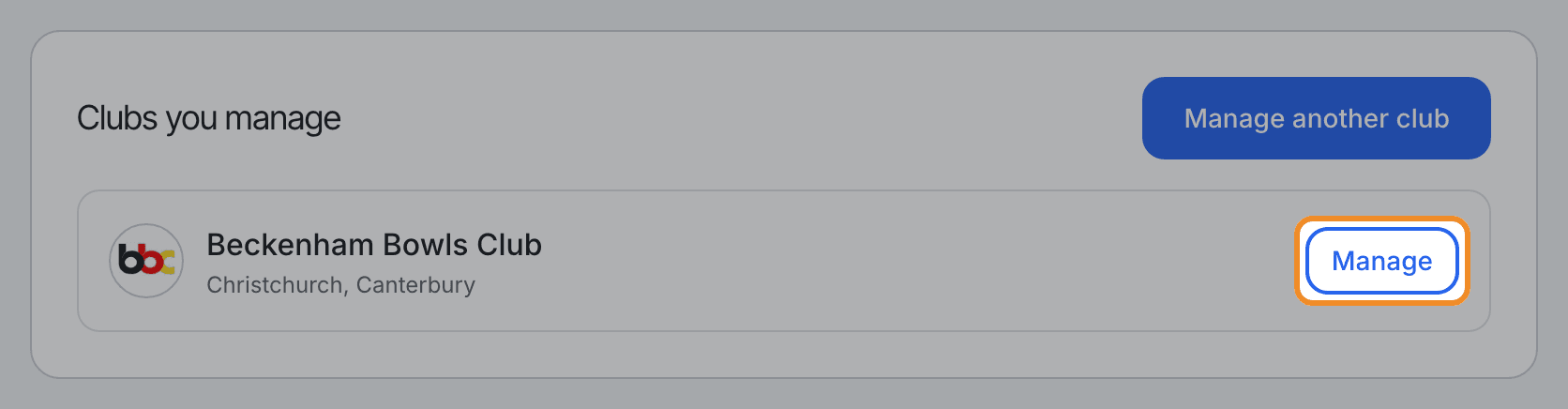
Click Manage next to your club
Under Clubs you manage you'll find your club. Hit Manage to open its dashboard - your details, your managers, and every tournament you've listed.
- 4
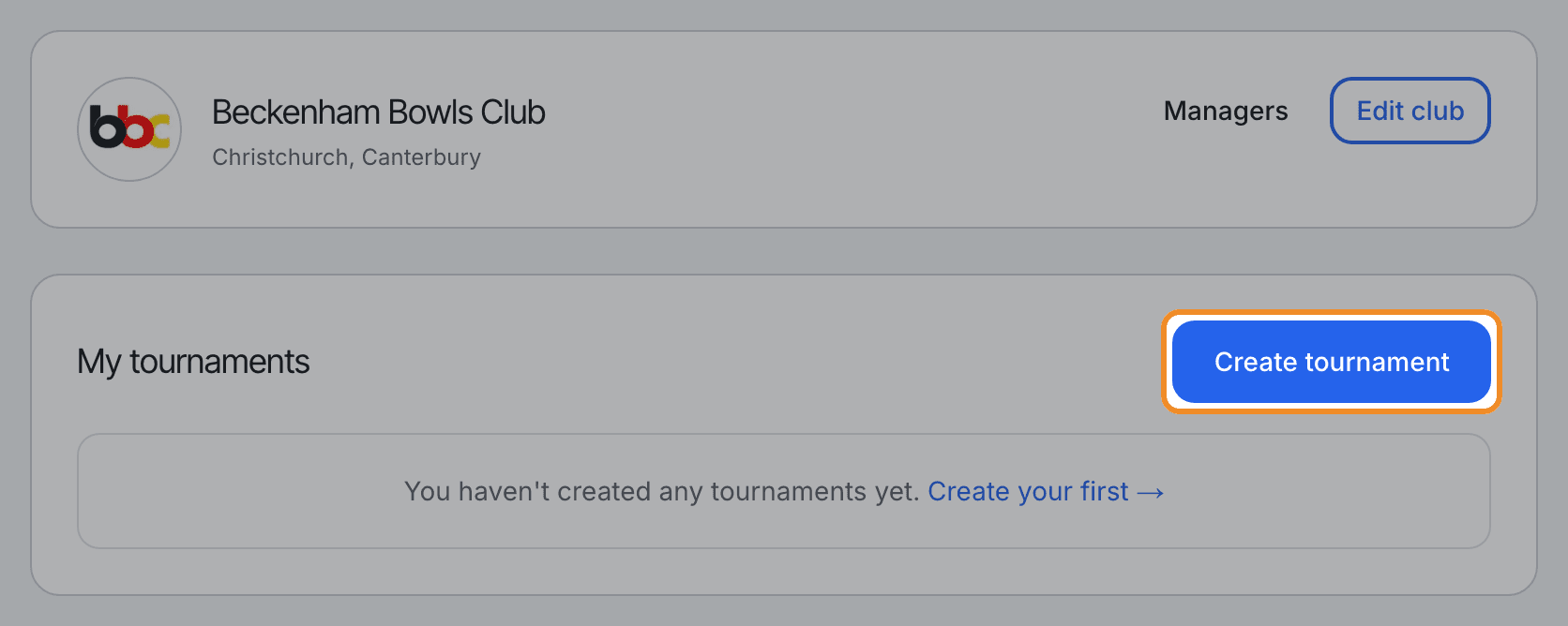
Click Create tournament
That opens a blank form. Nothing is published until you press the button at the bottom, so have a look around first if you like.
- 5
The basics
Give it a name bowlers will recognise - most clubs use something like “Motueka Summer Triples”.
Then pick the format (Singles, Pairs, Triples or Fours) and the section (Men's, Women's or Mixed). Eligibility is optional - use it if the tournament is limited to, say, Under 5s or Year 1 and 2 players.

- 6
Dates and money
Set the start and end date. For a one-day tournament, make them the same day.
Put in the entry fee in dollars. The prize pool is optional - leave it blank and it simply won't show. Same with max teams: fill it in and bowlers see how many spots are left, leave it blank and it's uncapped.

- 7
Tell them about it
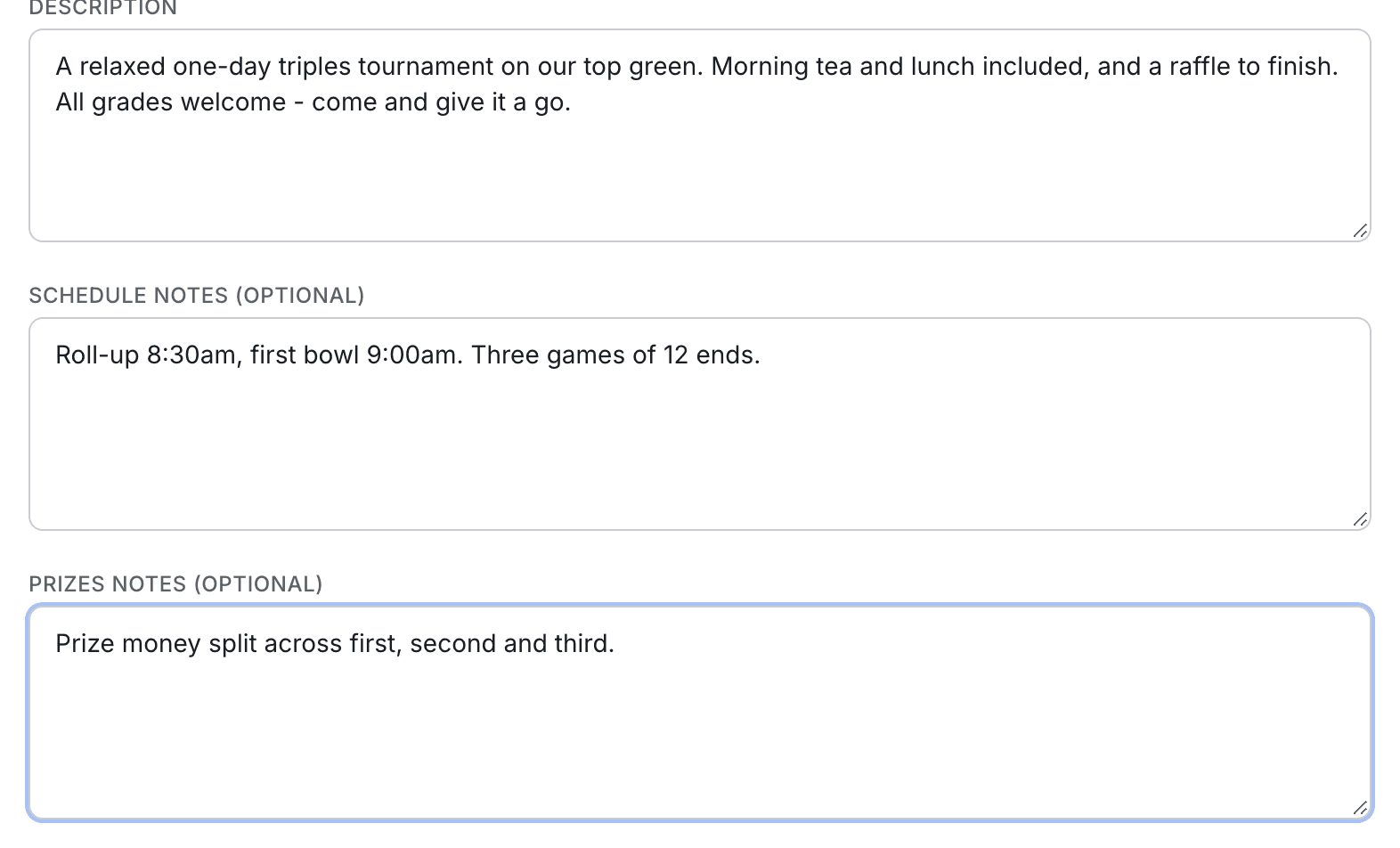
The description is what bowlers read first. A few plain sentences beat a wall of text - what sort of day it is, who it suits, anything that makes it worth the drive.
Schedule notes and prize notes are both optional. Use them for the roll-up time, the format of the draw, or how the prize money splits.
- 8
Who to contact
These are pre-filled from your account, so change them if someone else is handling entries. This is what bowlers see and what enquiries go to, so it's worth getting right.
If you take entries somewhere else - your own website, or a form - put that address in external registration URL. The Register button will send bowlers straight there instead of through our enquiry form.

- 9
Add a photo and your flyer
Both optional, but the photo earns its keep: it heads your tournament page, and it's the image people see when someone shares the tournament to Facebook. A wide shot of your green on a good day does nicely.
The flyer can be a PDF or an image, and appears as a download on the page. Up to 10 MB each.

- 10
Publish it
Press Create tournament at the foot of the form and you're done. It goes live straight away - there's no approval queue and nobody to wait on. You'll land on your new tournament page, exactly as bowlers will see it.

- 11
Now tell everyone
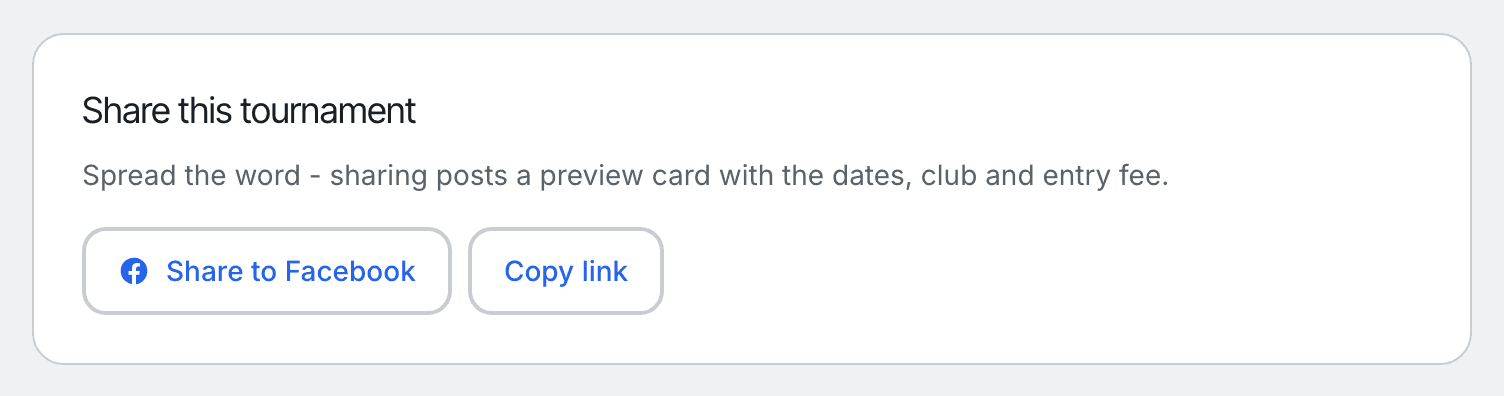
On your tournament page you'll find Share this tournament. Hit Share to Facebook and it posts a tidy preview card with your dates, club and entry fee already on it - you just add a few words of your own.
Copy link gives you the address to paste into an email or your club's newsletter.
Changing it later
Nothing here is set in stone. Go back to My club, pick the tournament, and hit Edit. Dates moved, fee changed, green closed - update it and the change is live immediately. Listing as many tournaments as you like is free, always.
Stuck?
Email info@bowlshq.co.nz and tell us where you got to. We'll walk you through it.